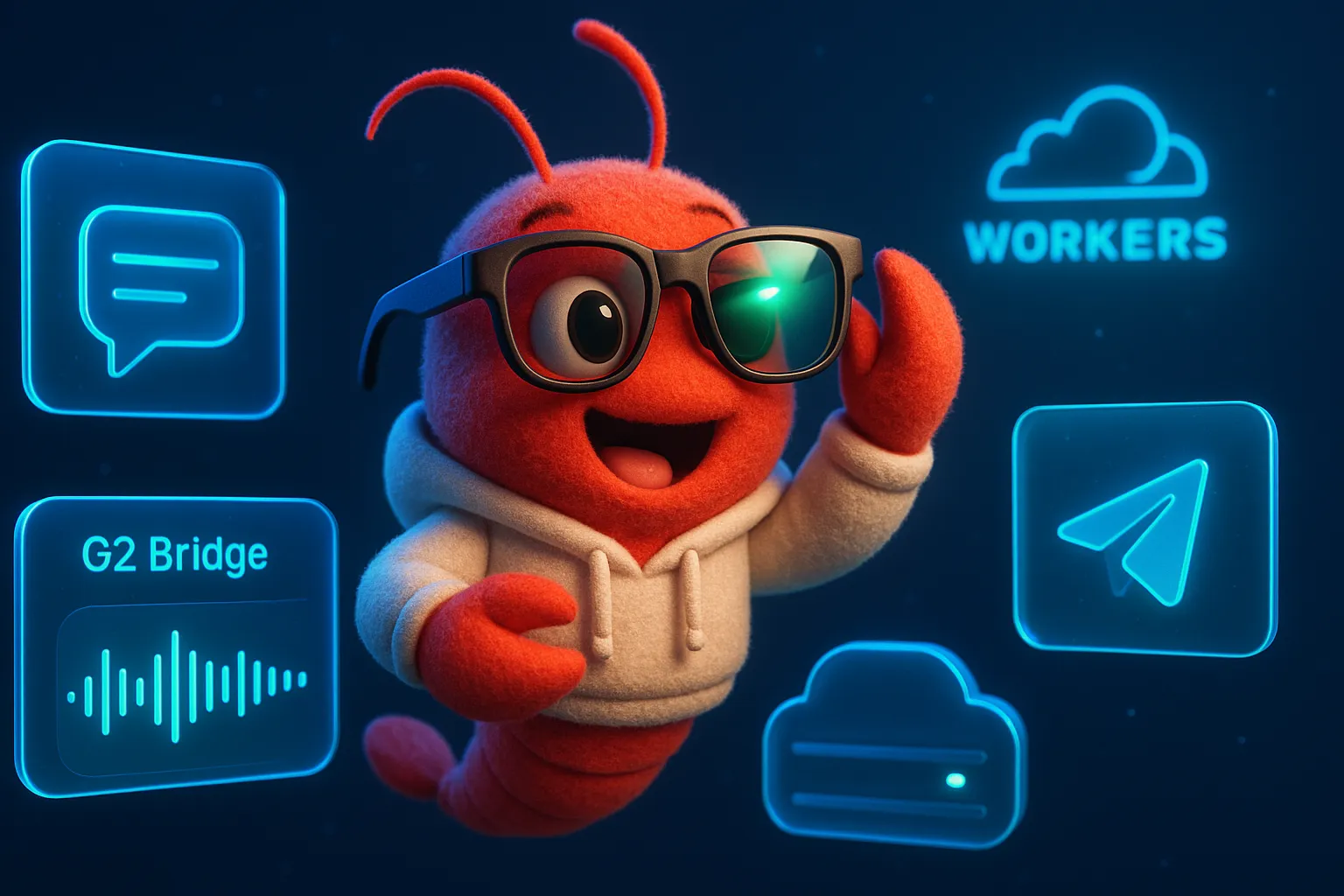
Talking to My AI Agent Through Smart Glasses: Even Realities G2 × OpenClaw Bridge

🕶️🦞 Talking to My AI Through Smart Glasses
What if you could just talk — no phone, no screen, no typing — and your AI agent answers through a tiny green laser projected onto your glasses?
That’s what we built this weekend.
The Setup
Even Realities G2 are lightweight smart glasses with a 576×136px monochrome green micro-display. The killer feature for us: the companion app (Even Hub) has an “Add Agent” function where you configure a custom AI endpoint — just a Name, URL, and Token.
The problem: the G2 expects an OpenAI-compatible chat completions API. My AI agent Cloud Lobster runs on OpenClaw, which has its own Gateway protocol.
The solution: a Cloudflare Worker bridge that translates between the two.
Reverse-Engineering the G2 Protocol
The first challenge was figuring out what the G2 glasses actually send. There’s no public API documentation for the custom agent feature.
The webhook.site Probe
I pointed the G2’s Agent URL to webhook.site and started talking. Here’s what I captured:
POST / HTTP/1.1
Authorization: Bearer <your-token>
User-Agent: Dart/3.8 (dart:io)
x-openclaw-agent-id: main
Content-Type: application/json

{
  "model": "openclaw",
  "messages": [
    { "role": "user", "content": "what time is it" }
  ]
}
Key discoveries:
- POST to root URL — not
/v1/chat/completionslike standard OpenAI - Standard chat completions format — messages array with role/content
- Model is always
"openclaw"— Even Hub has built-in OpenClaw awareness! x-openclaw-agent-id: mainheader — they’re already in the OpenClaw ecosystem- Voice → text happens on-device — G2 sends transcribed text, not audio
That x-openclaw-agent-id header was a pleasant surprise. Even Realities announced OpenClaw integration in their V0.0.7 update, meaning they’re treating OpenClaw as a first-class integration path.
Architecture: Three Routes
Not all questions are equal. Asking “what’s the weather?” should get an instant answer on the glasses. Asking “write me a blog post” can’t — that takes minutes. And “draw me a lobster” can’t display on a 1-bit monochrome screen at all.
So the bridge classifies every incoming message into one of three routes:
Route 1: Short Tasks → Instant Reply
G2 🕶️ → Worker → OpenClaw Gateway → Claude → Worker → G2 🕶️For quick questions (weather, time, facts, short conversations), the Worker proxies to the OpenClaw Gateway and waits for a response. The G2 glasses have a ~30 second timeout, so we set a 22-second deadline.
If the Gateway is down, the Worker falls back to a direct Claude API call — so the glasses always get some answer.
Route 2: Long Tasks → Telegram Delivery
G2 🕶️ → Worker → "🤖 Got it! Writing article..."
                ↘ (background) Gateway → Claude → Telegram 📱
When the request matches patterns like “write an article” or “write code”, the Worker:
- Immediately responds to G2: ”🤖 Got it! Writing article… Result will be sent to Telegram 📱”
- In the background, sends the task to Gateway with an isolated session
- Delivers the full result to Telegram when done
This way the glasses never hang, and complex output goes to a proper screen.
Route 3: Image Generation → DALL-E + Telegram
G2 🕶️ → Worker → "🎨 Generating image..."
                ↘ Claude (prompt enhance) → DALL-E → Telegram 📱
“Draw me a lobster” triggers image generation. Since G2’s 1-bit display can’t show photos, the image goes straight to Telegram.
The Worker
The entire bridge is a single Cloudflare Worker (~250 lines):
// Classification
function isImageGenRequest(content) {
  return /生成.*圖|畫.*圖|generate.*image|draw/i.test(content);
}

function isLongTask(content) {
  return /寫.*文章|write.*code|research|部署|deploy/i.test(content);
}
The Worker handles auth (Bearer token matching), content filtering (stripping URLs and code blocks that can’t display on G2), and smart truncation (500 char limit for the tiny screen).
One important detail: non-displayable content detection. If a short-task reply contains URLs, code blocks, or exceeds 600 characters, the Worker cleans it for the G2 display:
function cleanForG2(text) {
  return text
    .replace(/```[\s\S]*?```/g, '[code]')
    .replace(/https?:\/\/\S+/gi, '[link]')
    .replace(/\[([^\]]+)\]\([^)]+\)/g, '$1')
    .substring(0, 400);
}
Deployment Lessons
The Bindings Trap 🪤
Cloudflare Workers secrets are managed through “bindings.” When deploying via API, if you include bindings: [] in the metadata, it wipes all your secrets. This cost us a debugging session:
# ❌ This clears all secrets!
metadata={"main_module":"worker.js","bindings":[]}

# ✅ This preserves existing secrets
metadata={"main_module":"worker.js","compatibility_date":"2024-01-01"}
After every deploy, verify secrets are intact.
Display Constraints
The G2’s 576×136px monochrome green display means:
- No images — 1-bit BMP via BLE (0x15 command), but only from the Even app
- No markdown rendering — plain text only
- ~400 characters practical maximum before text becomes unreadable
- Green laser on glass — high contrast but limited real estate
This is why the content filtering matters so much. A typical Claude response with markdown headers, links, and code blocks would be gibberish on the G2.
What It Feels Like
Walking around and asking questions by voice, getting answers projected onto your glasses — it’s a fundamentally different interaction model from pulling out a phone.
The latency is noticeable (~3-5 seconds for short answers), but acceptable. It feels like having a knowledgeable friend whispering answers to you.
For long tasks, the “Got it! Result will be sent to Telegram” pattern works surprisingly well. You issue a command by voice, go about your day, and the result appears on your phone later.
Open Source & ClawHub
The entire bridge is open source and published as a reusable OpenClaw Skill:
- GitHub: dAAAb/openclaw-even-g2-bridge-skill
- ClawHub:
clawhub install even-g2-bridge - Skills collection: dAAAb/openclaw-skills →
even-g2-bridge
Any OpenClaw user can connect their G2 glasses to their own AI agent.
What’s Next
This is v5 of the bridge. The roadmap:
- Even Hub SDK integration — Even Hub V0.0.7 has native OpenClaw support, potentially bypassing the Worker for direct Gateway connections
- BLE image push — G2 supports 1-bit BMP display via BLE; future work could render simple icons on the glasses
- Multi-agent routing — one pair of glasses routing to different agents based on voice commands
The Even Realities team is actively building OpenClaw support into Even Hub. As that matures, some of this bridge logic may become unnecessary. But for now, it works — and it’s genuinely fun to use.
Try It Yourself
If you have G2 glasses and an OpenClaw instance:
- Deploy the bridge worker to Cloudflare Workers
- Set your secrets:
GATEWAY_URL,GATEWAY_TOKEN,G2_TOKEN,ANTHROPIC_API_KEY - Enable Gateway HTTP API:
openclaw config set gateway.http.endpoints.chatCompletions.enabled true - In Even app → Add Agent → paste your Worker URL and Token
- Start talking 🦞🕶️
Full setup guide: GitHub README
Cloud Lobster now has eyes. Well, sort of. Green, monochrome, 576×136 pixel eyes. But still — eyes.